
If you’re having trouble logging into the members-only forum, here’s what to do.
Note that login sessions last about three to six months. So once you’ve logged in, you won’t have to do this dance again for awhile.
The tricky thing we’ve found with login is when members are reading on mobile. You’ll want to ensure that you’re logged in in your main mobile browser, and to open newsletter links only in the main mobile browser. Sometimes some email apps open links in an in-app browser; those do not have access to the cookies in the main browser and so will treat you as logged out.
First, log into the main site.
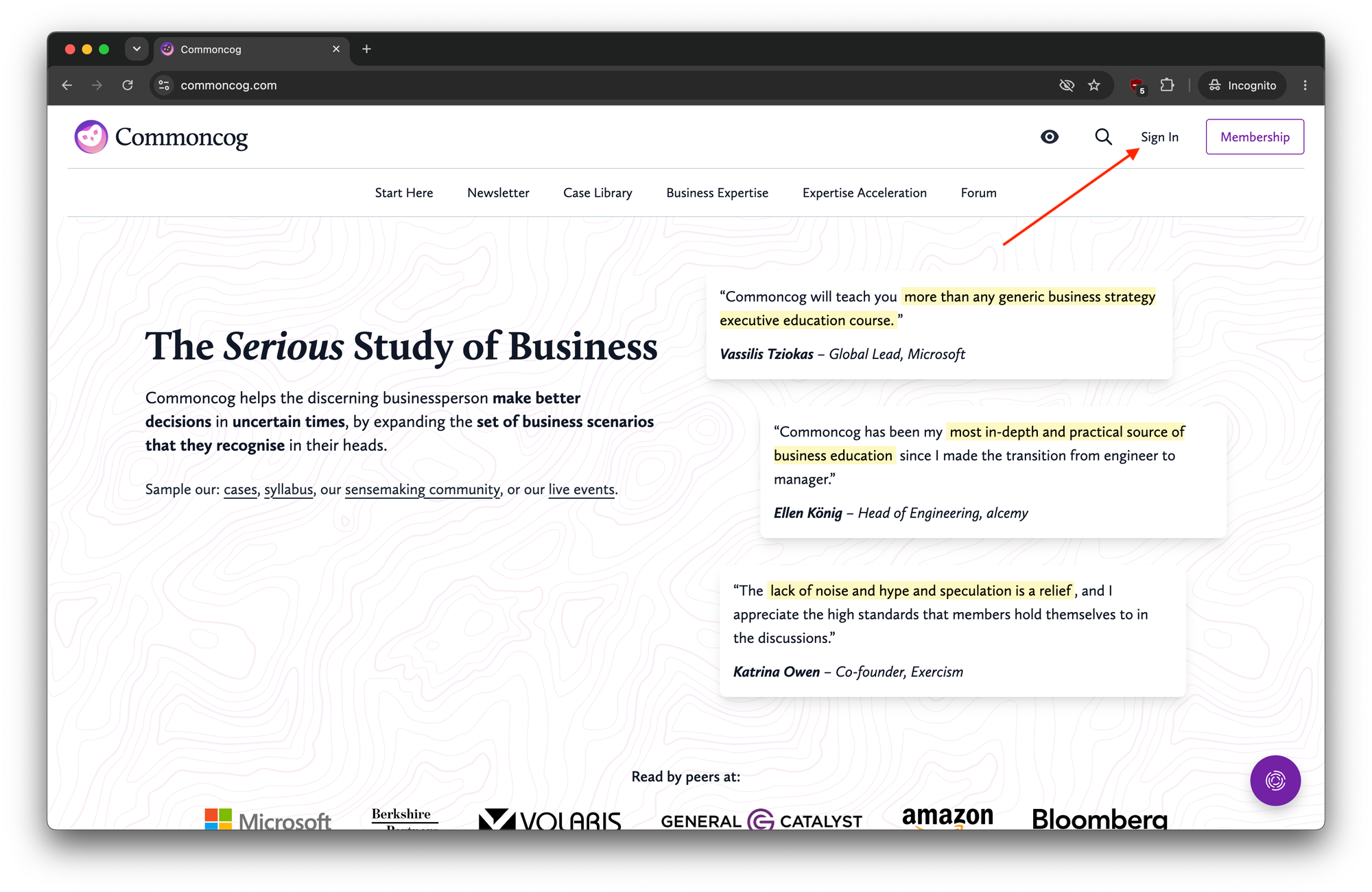
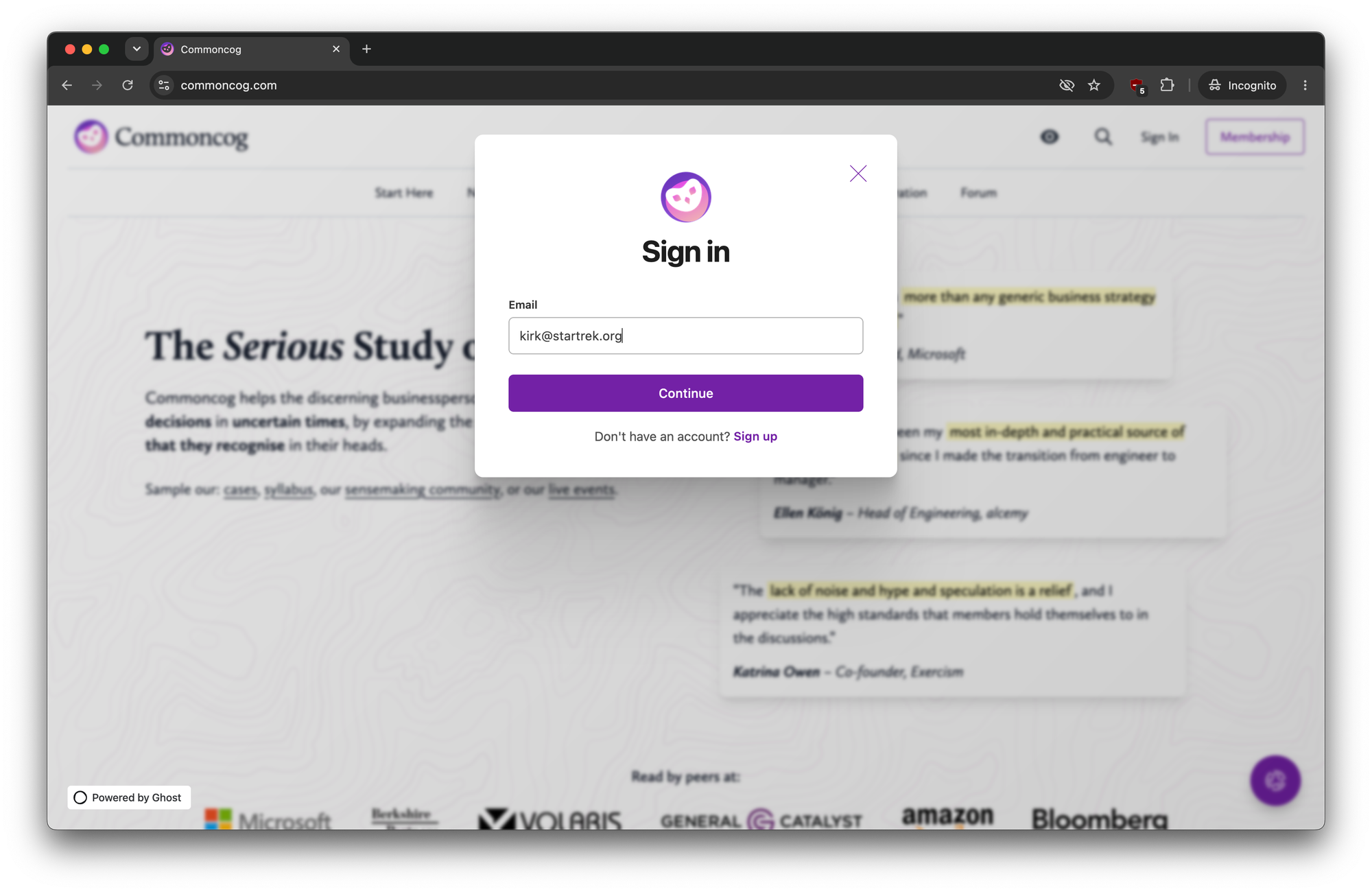
You’ll be asked to enter your email and to check your email for the login link (or code that you may copy into the login panel):
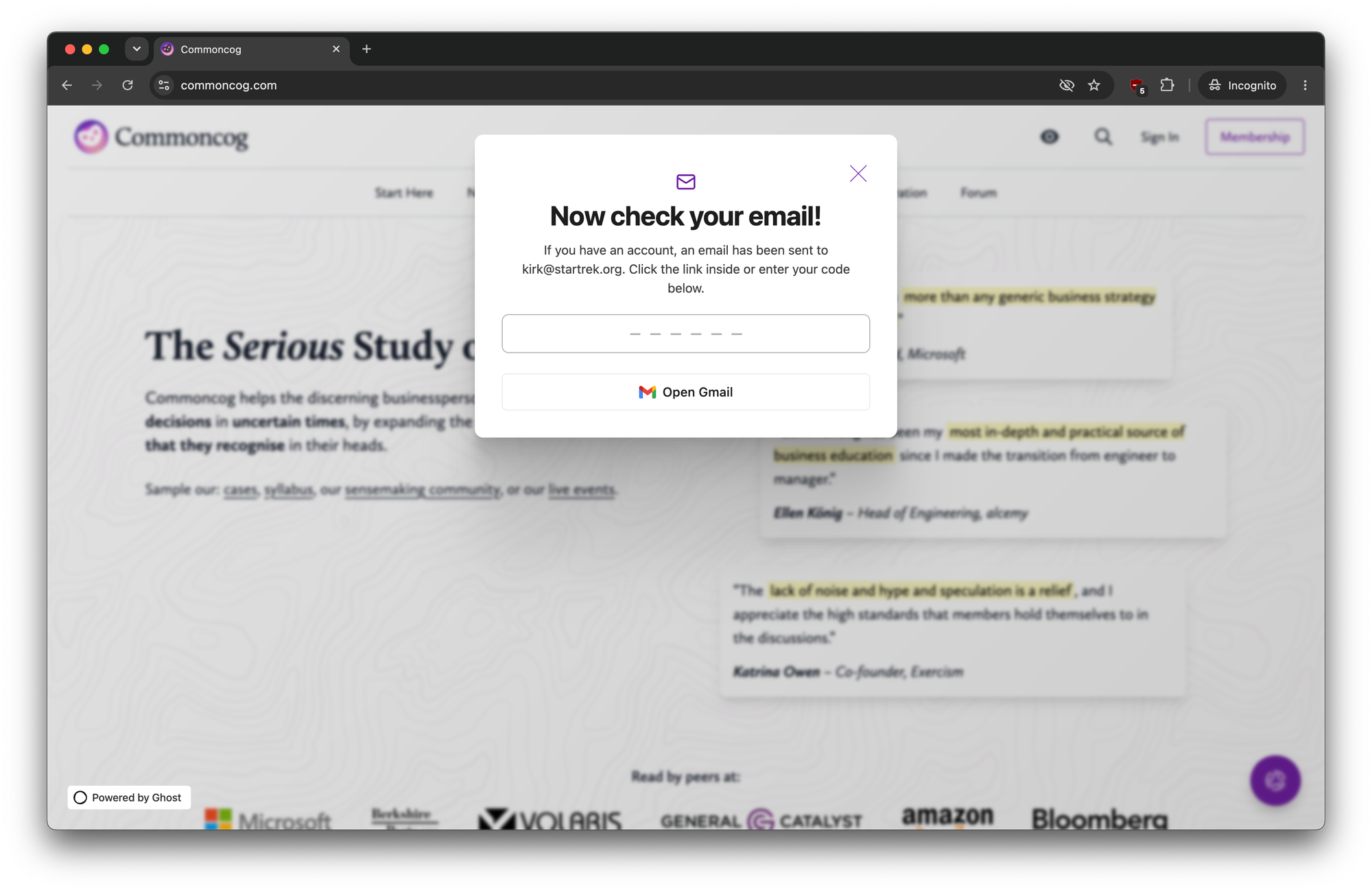
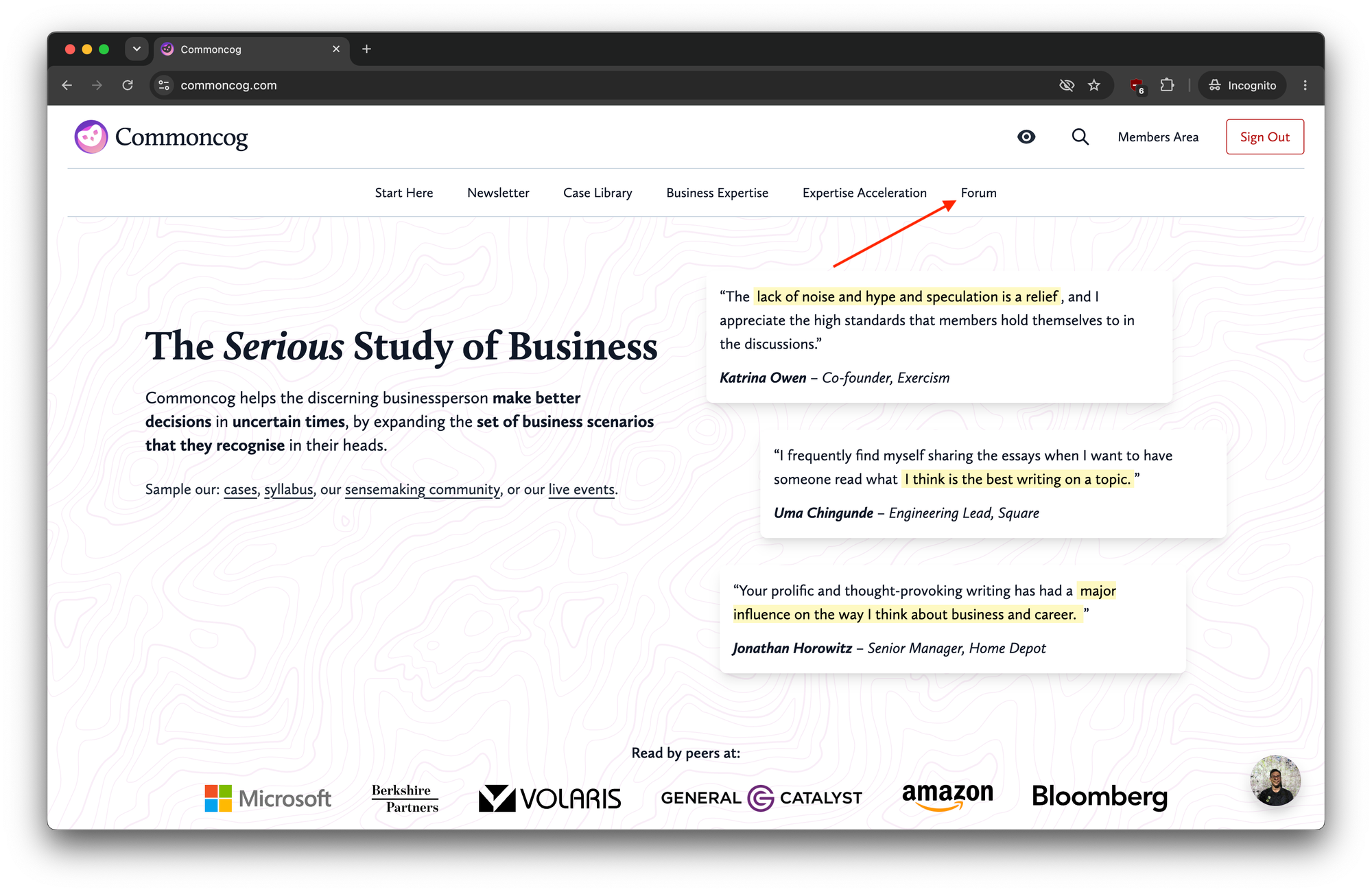
Once you’ve logged in, click on the forum link in the navbar:
You’ll open up the forum, but in a logged out state. This is normal.
Click ‘Log In’ in the top right corner:
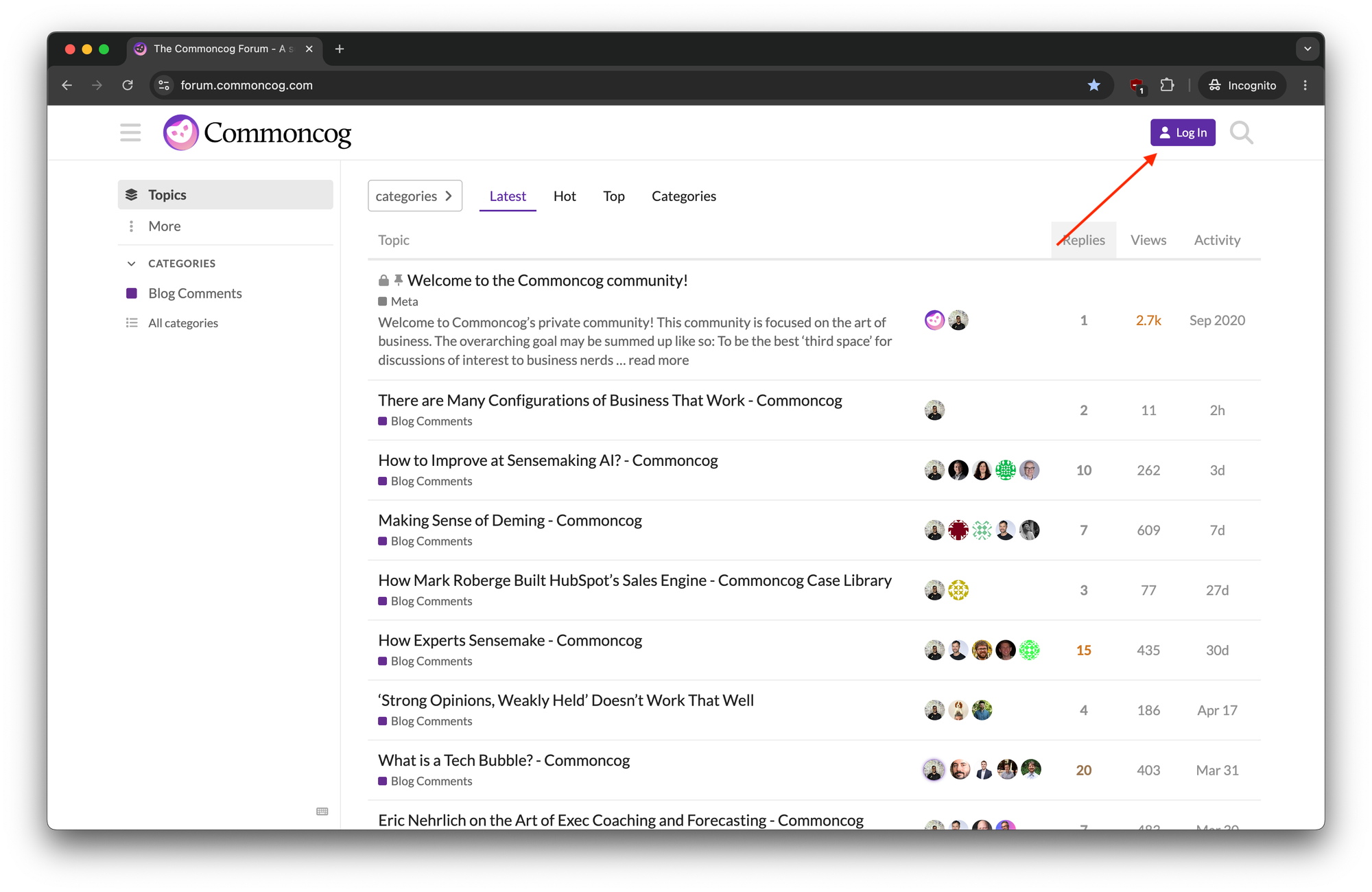
You’ll be bounced to the main site, and the forum will check that you are currently logged in on the main site. Then, you’ll be redirected to the forum again and now find that you are logged in:
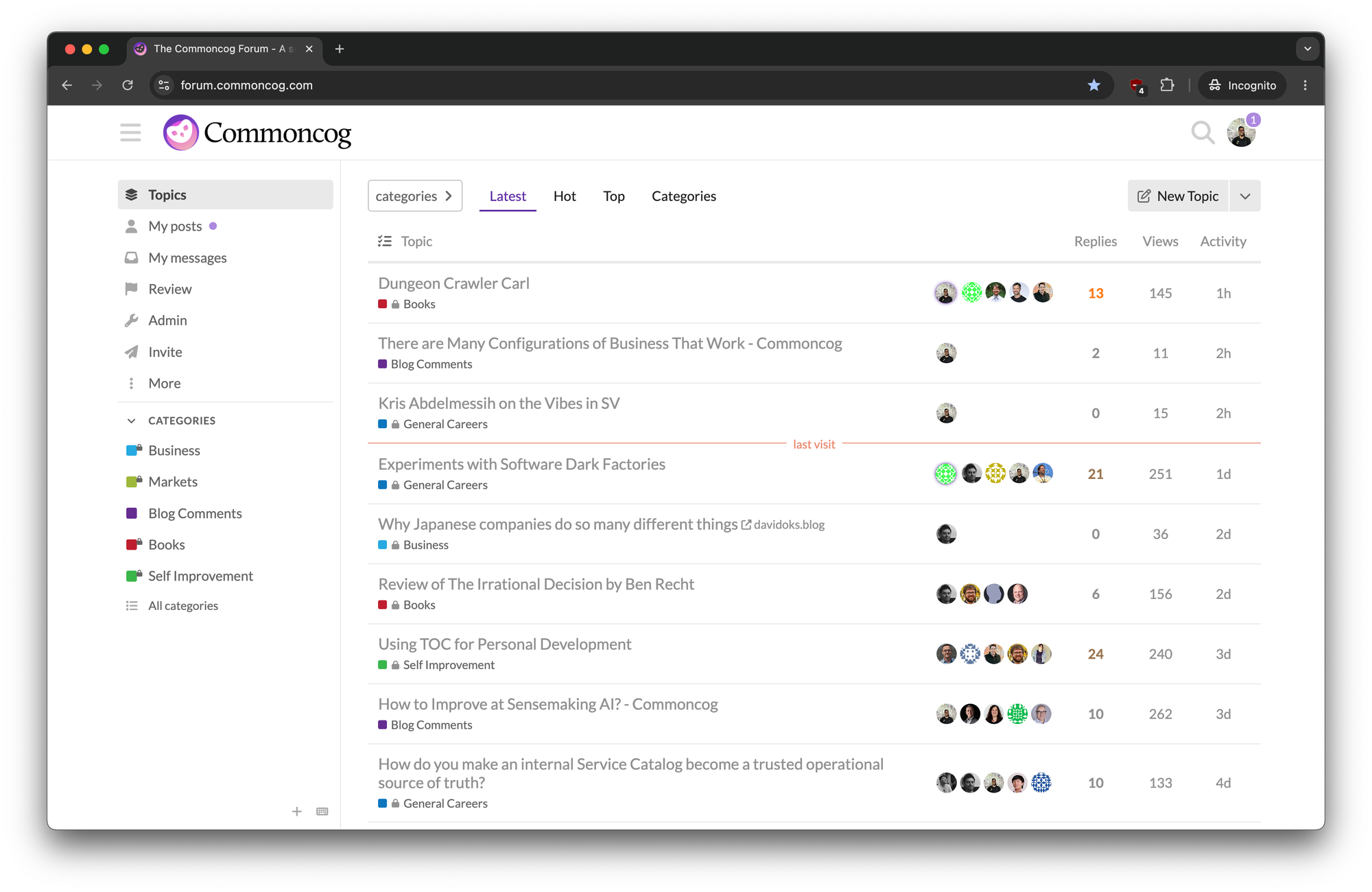
You should see many more private threads, and have full access to every forum category. Enjoy!
Note that if you’d like to change your username, which is randomly generated on first login based on your real name (i.e. the name you used to sign up for Commoncog’s membership program), then please send Cedric a DM through the forum’s messaging feature. Remember to state your preferred username!
Originally published , last updated .